
Can I set a request a quote button on wishlists?
Can I add a “request a quote” button to wishlists?
No. Wishlists don’t currently support adding a dedicated request a quote button.
Workaround: use Share Wishlist to request a quote
Customers can still send their wishlist to your store by using the built-in Share Wishlist button on the wishlist page. They can send this to the business email address, so you can then access their wishlist to view it. You can then reply with a quote using the details from the shared list.
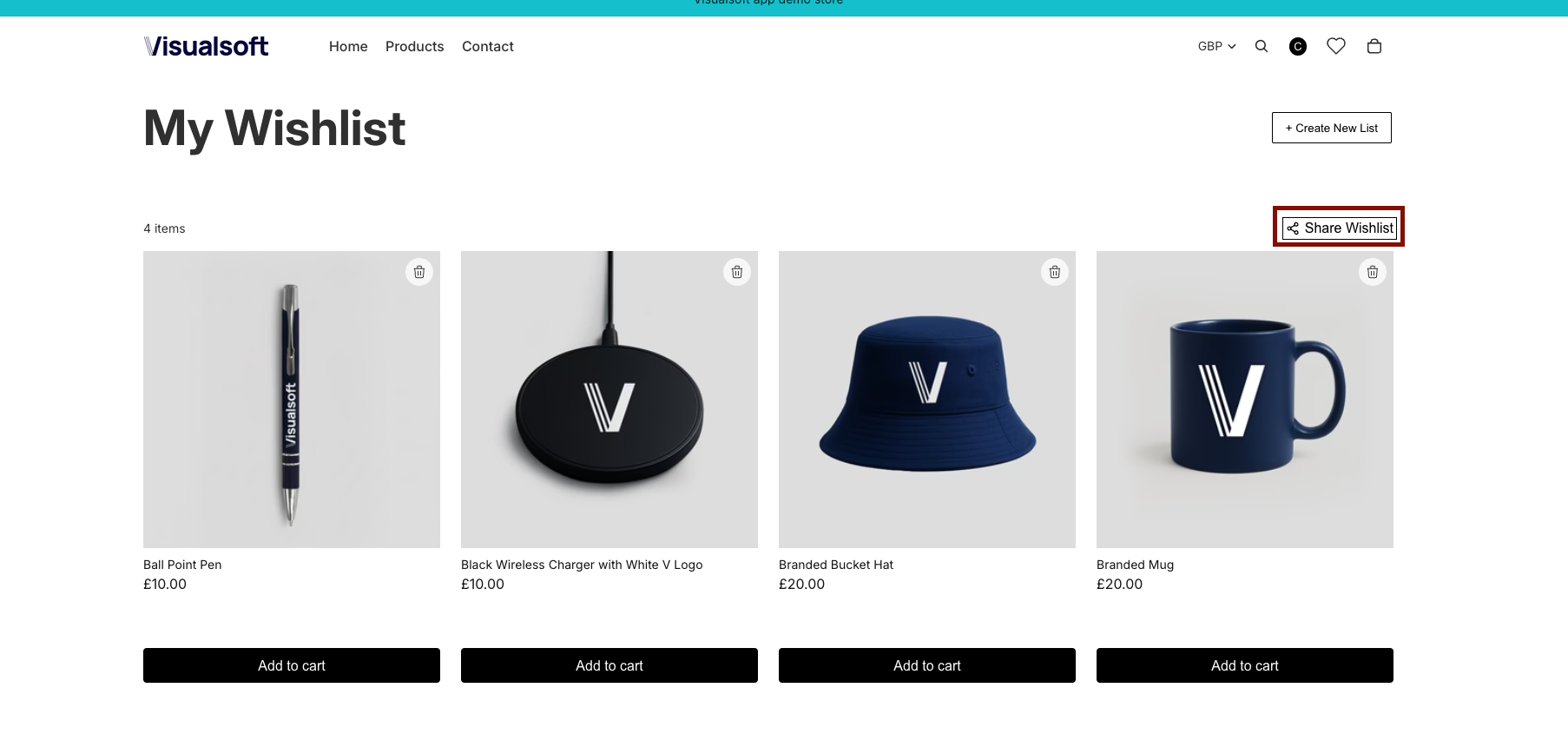
From the storefront, open the wishlist page (you’ll see the page title My Wishlist).
Select Share Wishlist on the right side of the page.
In your email app, address the message to your store’s email address and send it. The store owner can then review the wishlist items and reply with a quote.
Tip: If you want quote requests to be handled consistently, publish a dedicated “Quote requests” email address (or alias) and ask customers to send their Share Wishlist email there.
What customers should include (recommended)
Preferred quantities (especially if different from “1 of each”)
Any personalization details (names, artwork, colors, sizes)
Needed-by date and delivery location
The wishlist page also includes actions like Create New List and product-level actions (for example, removing items). These don’t submit a quote request—only Share Wishlist sends the list for review.